Ideas That Stick, Drawn at the Speed of Thought

Today we dive into Digital Sketchnoting: Tablet-Based Tools and Workflows, transforming meetings, classes, and books into clear visual maps you can share, search, and revisit. We will compare devices and styluses, explore essential apps, refine brush choices, and practice workflows for live capture and thoughtful revision. Expect practical tips, stories from the field, and prompts you can try tonight. Share your favorite app or brush set in the comments, and subscribe to grow alongside a community that draws to understand.

Why Visual Notes Thrive on Glass

Digital sketchnoting marries speed, clarity, and memory. On a tablet, you gain layers, undo, zoom, and searchable exports while keeping the immediacy of hand-drawn thinking. Dual coding research backs the mix of words and visuals, helping ideas stick through spatial organization and simple pictures. Portability matters too: one lightweight slab replaces stacks of notebooks and pens. With the right habits, your notes become living artifacts, evolving from quick capture into reference material, teaching aids, and collaborative conversation starters across teams and classrooms.

Picking the Canvas and the Pen

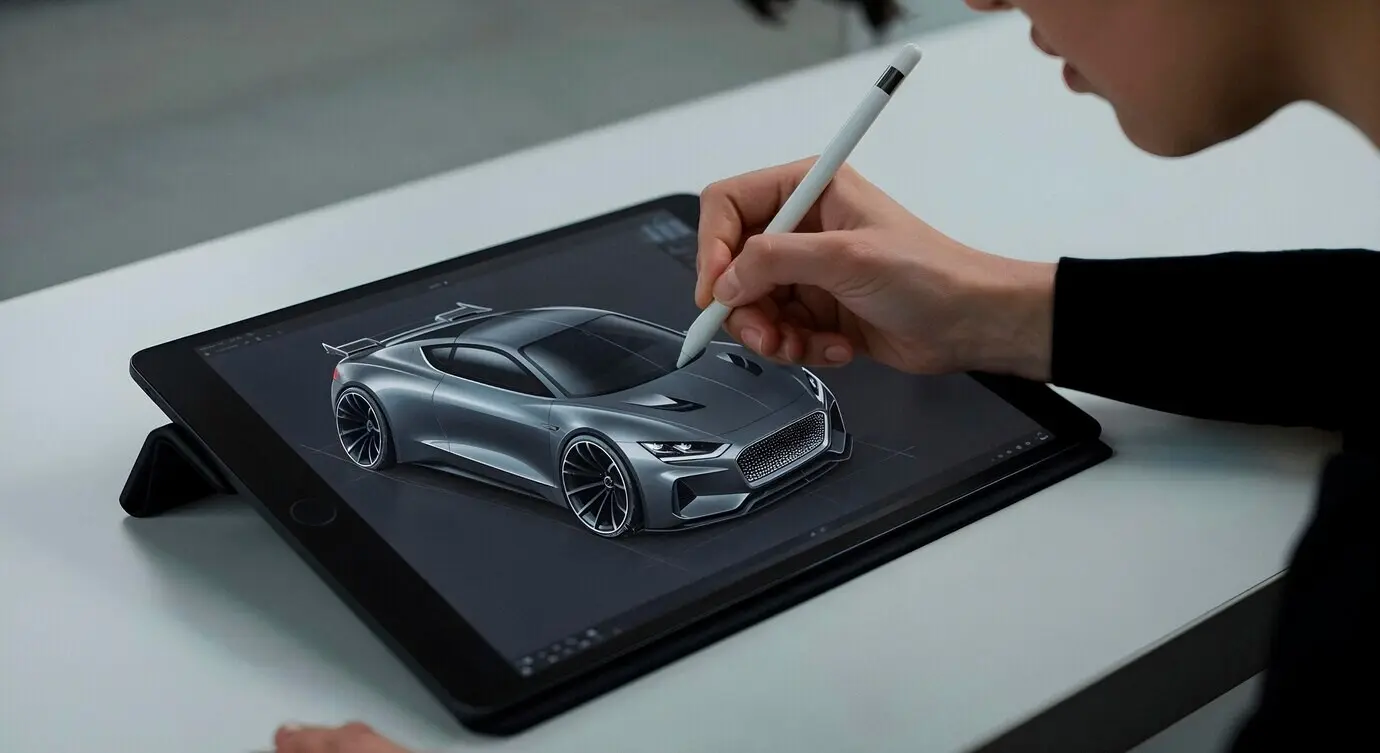
Choosing a tablet and stylus shapes comfort, speed, and output. Consider size for hand posture and lettering legibility, brightness for conference halls, and battery life for full-day events. iPad with Apple Pencil offers stellar latency and app variety; Surface and Android tablets bring flexibility, file access, and excellent pens. Tilt support and pressure curves affect shading and emphasis. Hold each device if possible, judging balance, grip, and heat. Remember accessories: stands, sleeves, and screen protectors can refine the entire experience.

Vector Versus Raster, Explained Without Jargon
Vector lines scale cleanly, staying crisp on banners or posters, which helps when a sketch becomes a keynote slide. Raster strokes carry expressive texture, selling warmth and personality. Many workflows mix both: capture notes quickly in raster, refine icons or titles as vector for reuse. Export layered files when possible to adjust later without redrawing. Choose based on destination: social posts favor texture, instructional assets prefer sharp scaling. The best choice aligns with how your audience will consume the work.

Brush Sets for Clarity, Not Clutter

Too many brushes slow decisions. Curate a minimal toolkit: one reliable ink for body text, a thicker marker for headings, a dotted or lighter pen for shadows, and a chisel tip for emphasis. Limit colors to a neutral ink plus two accents for hierarchy. Name brushes clearly and lock them into a consistent toolbar location. Practice line weight conventions so your pages read instantly, even when busy. Consistency reduces cognitive load, creating familiar patterns your viewers scan without confusion or hesitation.

Templates and Libraries That Save Time

Prebuild canvases with margins, columns, and title blocks to prevent last-minute alignment struggles. Keep a library of reusable icons, arrows, containers, and banners you can drag into place. Snap grids preserve spacing under pressure. Layer groups for text, figures, and color accents separate thinking from polishing. Store brand palettes, export presets, and naming conventions inside your app if possible. These quiet systems eliminate friction, protect clarity during live capture, and ensure every page feels cohesive, approachable, and easy to reference later.

From First Stroke to Shareable Insight
A reliable workflow transforms frantic scribbles into crisp narratives. Start with listening for structure: who, problem, solution, proof, action. Sketch a loose layout, then capture key phrases, diagrams, and relationships. After the session, run refinement passes for lettering, spacing, and color hierarchy. Export to PDF or high-resolution PNG with clear filenames and dates. Back up automatically. Share summaries with context and invite feedback. Over time, your cadence becomes predictable, reducing stress and producing pages that inform, persuade, and travel well between audiences.

Building a Flexible Visual Vocabulary

Lettering Styles That Read at a Glance

Pick one clear style for body text and a thicker, friendly headline variant. Practice consistent x-height, spacing, and slant to prevent drift under pressure. Reserve all caps for brief labels only. Use negative space around headings to create breathing room. When screens are dim or slides busy, increase weight slightly for legibility. Consider dyslexia-friendly spacing and avoid decorative fonts. Remember: readers scan in patterns. Your lettering should guide that path gently, rewarding quick glances with confident understanding of structure and emphasis.

Containers and Connectors That Guide the Eye

Rely on rounded boxes, simple banners, and soft corner clouds rather than ornate frames that steal attention. Use contrast and proximity to group related thoughts. Connect ideas with arrows that convey meaning: thick for main flows, dashed for possibilities, curved for feedback cycles. Number steps to anchor sequence. Keep crossings minimal to reduce visual noise. Where space tightens, switch to nesting and callouts. The most effective structures feel almost invisible, gently steering readers from introduction to insight without demanding conscious effort.

Color Systems That Survive Any Project

Start with a neutral ink plus two accents: one for emphasis, one for categorization. Add a soft gray for shadows and a warm highlight for focus. Test combinations on both dark and bright backgrounds. Ensure sufficient contrast for accessibility and projector variability. Document your palette with hex values and brush presets to stay consistent between apps. Avoid rainbow overload; rhythm matters more than novelty. When everyone recognizes your code at a glance, communication accelerates, and your pages remain calm under pressure.

Field Notes from Meetings, Classes, and Conferences
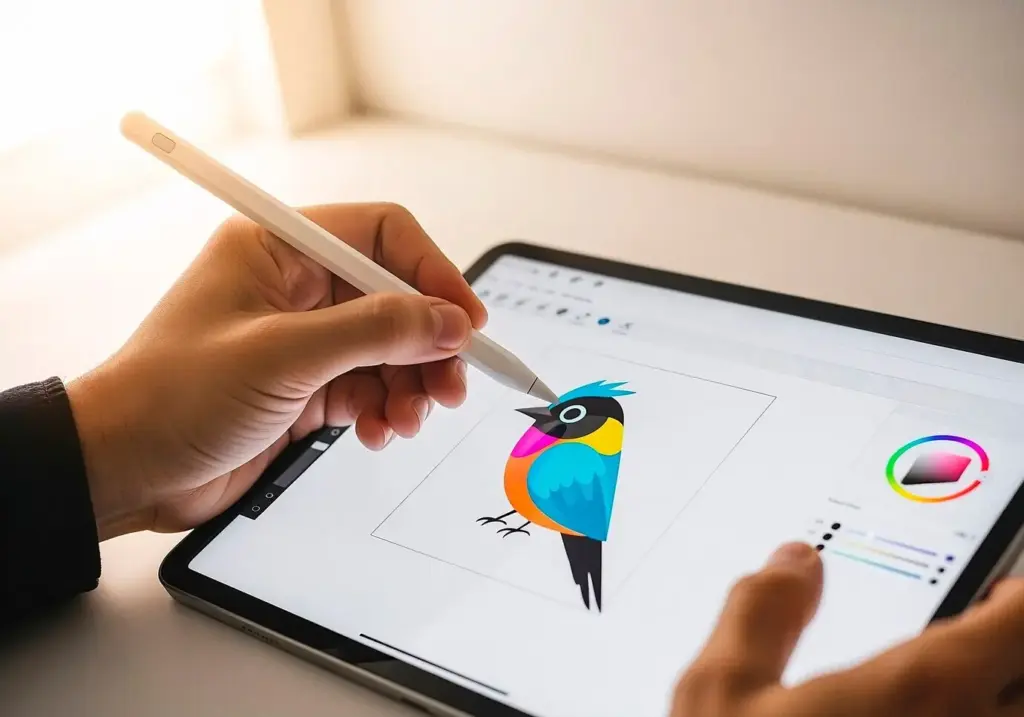
Real settings teach what specs cannot. In a crowded keynote, glare and limited elbow room demand tight layouts and bold contrasts. In classrooms, pacing varies; prebuilt canvases and clear lettering keep students engaged. Remote meetings need microphone discipline and screen-share framing that respects margins. Always confirm sharing permissions and credit speakers accurately. Collect audience questions and reflect them visually to deepen participation. Share takeaways promptly with concise captions. Tell us where you draw most, and subscribe to swap strategies with peers every week.
Autodemarches
Privacy Overview

This website uses cookies so that we can provide you with the best user experience possible. Cookie information is stored in your browser and performs functions such as recognising you when you return to our website and helping our team to understand which sections of the website you find most interesting and useful.